AI Coding Agent Guide
GitHub Copilot vs Cursor
A practical GitHub Copilot vs Cursor guide for software teams, with a focus on rollout speed, editor workflow, governance fit, and why many buyers also search for Cursor vs Copilot.
Last reviewed May 16, 2026Record updated May 16, 2026Live now
Compare this next
Use the hub for the market view, then move across the sibling comparisons that answer the next tool choice your team will face.
GitHub Copilot and Cursor are often compared because both can improve everyday coding speed. Whether the search starts as GitHub Copilot vs Cursor or Cursor vs Copilot, the buying decision gets clearer once you separate two questions. First, how deeply do you want the tool tied to the GitHub and Microsoft stack? Second, how much of the future workflow do you want to happen inside a purpose-built AI editor rather than a broad platform extension?
At a glance
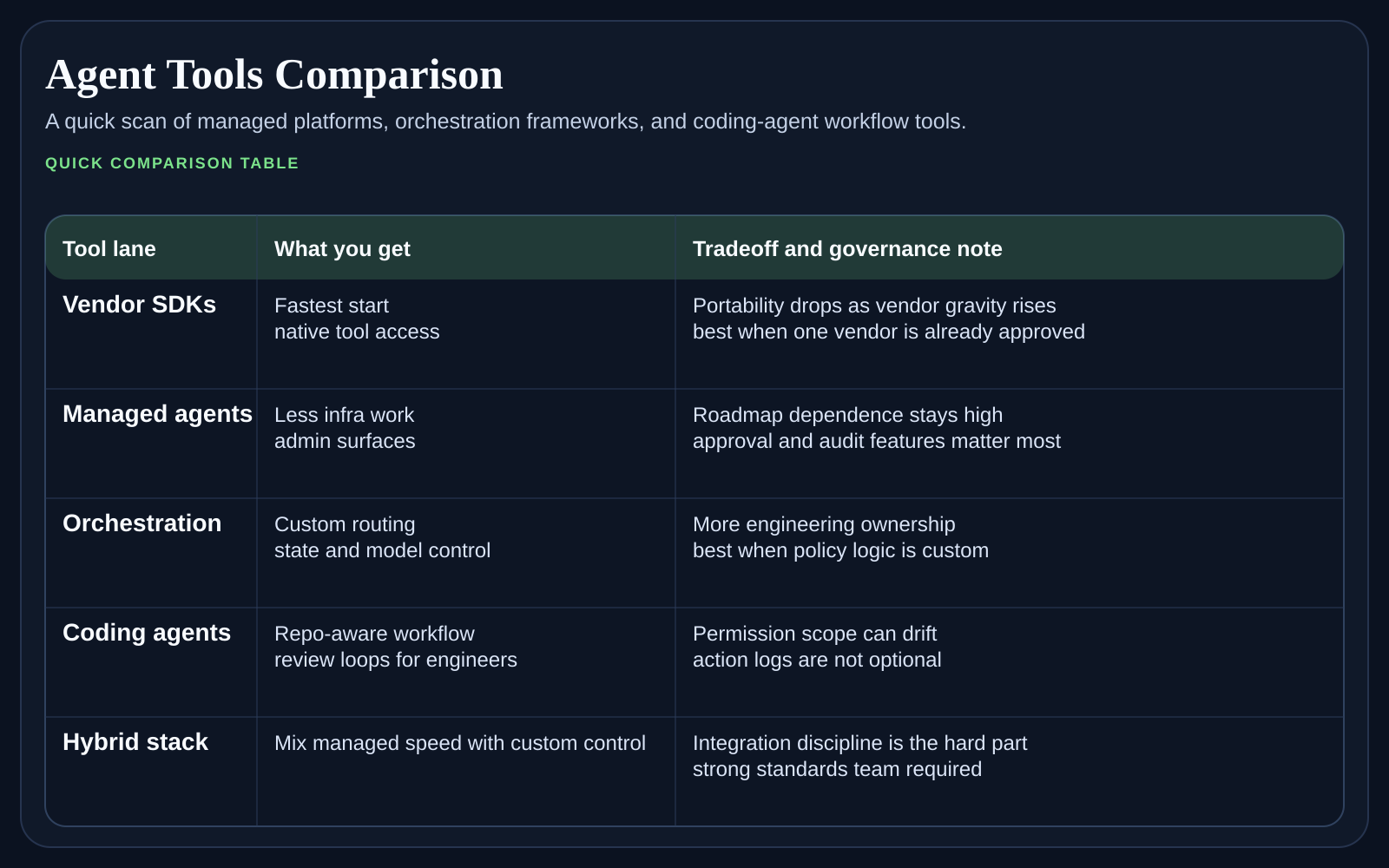
For many teams, Copilot is the safer standardization choice and Cursor is the sharper productivity choice. That does not make one better in every case. It means the tradeoff sits between platform depth and editor-native AI focus, not between good software and bad software.
Why teams choose Copilot
Copilot makes sense when GitHub is already the system of record, procurement wants a familiar enterprise path, and managers care about broad compatibility across editors, pull-request workflows, and identity controls. In those environments, standardization and rollout speed often matter more than having the most aggressive AI editing surface.
Why teams choose Cursor
Cursor usually wins when the evaluation is led by engineers who want the tool to feel native inside the editor and who care about fast iteration on edits, chat, and agent flows in one place. Teams that value product velocity and a strong daily user experience often find Cursor easier to love once the trial starts.
Copilot vs Cursor, where the comparison gets practical
Procurement path. Copilot is easier to justify when the company already buys heavily from GitHub or Microsoft.
Editor commitment. Cursor is strongest when teams are willing to center a lot of AI work inside one editor experience.
Governance tolerance. Copilot usually feels easier for companies that want a broad enterprise policy story out of the gate.
Power-user pressure. Cursor often creates stronger enthusiasm among developers who care about fast iteration and AI-first editing patterns.
Quick recommendation by team profile
Choose Copilot first if the company wants a safer default tied to GitHub, broad editor coverage, and less workflow disruption.
Choose Cursor first if the evaluation is being driven by engineers who want the strongest AI-first editor experience and are comfortable centering work there.
Keep both in the pilot if management wants Copilot but the engineering core strongly prefers Cursor. That split often reveals whether productivity or standardization matters more.
Treat procurement and admin fit as real product features. They affect rollout speed as much as editing quality.
Do not ignore change management
A lot of evaluations fail because the team measures only feature quality and not rollout behavior. Ask how new engineers will be onboarded, how prompts and usage norms will be shared, and whether the tool changes how reviewers expect code to arrive. The better editor is not always the better company standard if the rollout model stays fuzzy.
FAQ
Is Cursor better than Copilot for most developers?
Not automatically. Cursor often feels stronger for developers who want an AI-first editor, while Copilot is often the better default when rollout simplicity, GitHub alignment, and policy fit matter more than editor specialization.
Is Copilot only for large enterprises?
No. Smaller teams can still prefer Copilot if they already live in GitHub and want an easy default across multiple editors. The enterprise story is an advantage, not the whole reason teams buy it.
Does Cursor require a bigger workflow change?
Usually yes, because teams tend to move more of the AI workflow into the editor itself. That can be a benefit for power users and a challenge for organizations that want looser tool coupling.
What should decide the winner in a fair trial?
Use the winner that creates the best combination of developer speed, reviewer clarity, and rollout simplicity. Pure enthusiasm from one camp is not enough.
What to read after this
If your team is now pulling in terminal-first workflows, compare Claude Code vs Codex for a more command-oriented view of AI coding. If the question is broader than editor tools, return to Best AI Coding Agents in 2026 and reset the shortlist before committing to one style too early.
Weekly newsletter
Get the weekly AI coding tools brief
One email each week on Copilot, Cursor, Codex, Claude Code, pricing changes, and rollout moves that affect engineering teams.